
In today’s digital-first world, your website is one of your most valuable business assets. It attracts customers, generates leads, builds trust and supports your marketing efforts 24/7. But if your site isn’t properly protected, it can also become a serious liability.
Cyber threats don’t just target large corporations — local businesses are often easier and more attractive targets.
That’s why website security is no longer optional. It’s a critical part of running a successful local business online.
In this guide, we’ll break down what website security is, why it matters and the practical steps you can take to protect your local business from online threats.

What Is Website Security?
Website security refers to the measures, tools and practices used to protect your website from cyber threats such as hacking, malware, data breaches and unauthorized access. A secure website protects both your business data and your customers’ information.
Website security covers several areas, including:
- Protecting login credentials and user access
- Preventing malware and viruses
- Securing customer data and form submissions
- Preventing website downtime
- Safeguarding your search engine rankings
- Maintaining customer trust
For local businesses, a security breach can result in lost revenue, damaged reputation, legal issues and costly repairs.
Why Website Security Matters for Local Businesses

Many local business owners assume hackers only target big companies. Unfortunately, that’s not true. In fact, small and local businesses are often targeted because they tend to have fewer security protections in place.
Here’s why website security is especially important for local businesses:
1. Protect Customer Trust
Customers trust your website when they submit contact forms, request quotes or make purchases. A security breach can expose personal information and permanently damage your reputation.
2. Prevent Downtime and Lost Revenue
If your website goes down due to an attack, customers can’t contact you, book services or make purchases. Even a few hours of downtime can lead to lost leads and sales.
3. Protect Your Search Rankings
Google actively penalizes insecure websites. If your site is hacked or infected with malware, it can be flagged or removed from search results entirely.
4. Avoid Costly Repairs
Recovering a hacked website can cost hundreds or even thousands of dollars. Preventative website security measures are far more affordable.
5. Meet Legal and Compliance Requirements
If you collect customer information, you may be required to follow data protection and privacy regulations. Website security helps ensure compliance.
Common Website Security Threats Local Businesses Face
Understanding the threats is the first step toward protection. Here are some of the most common website security risks:
Malware Infections
Malware can be injected into your website through outdated plugins, weak passwords or unsecured hosting. It can redirect visitors, steal data or display spam content.
Brute Force Attacks
Hackers attempt to guess your login credentials by trying thousands of username and password combinations.
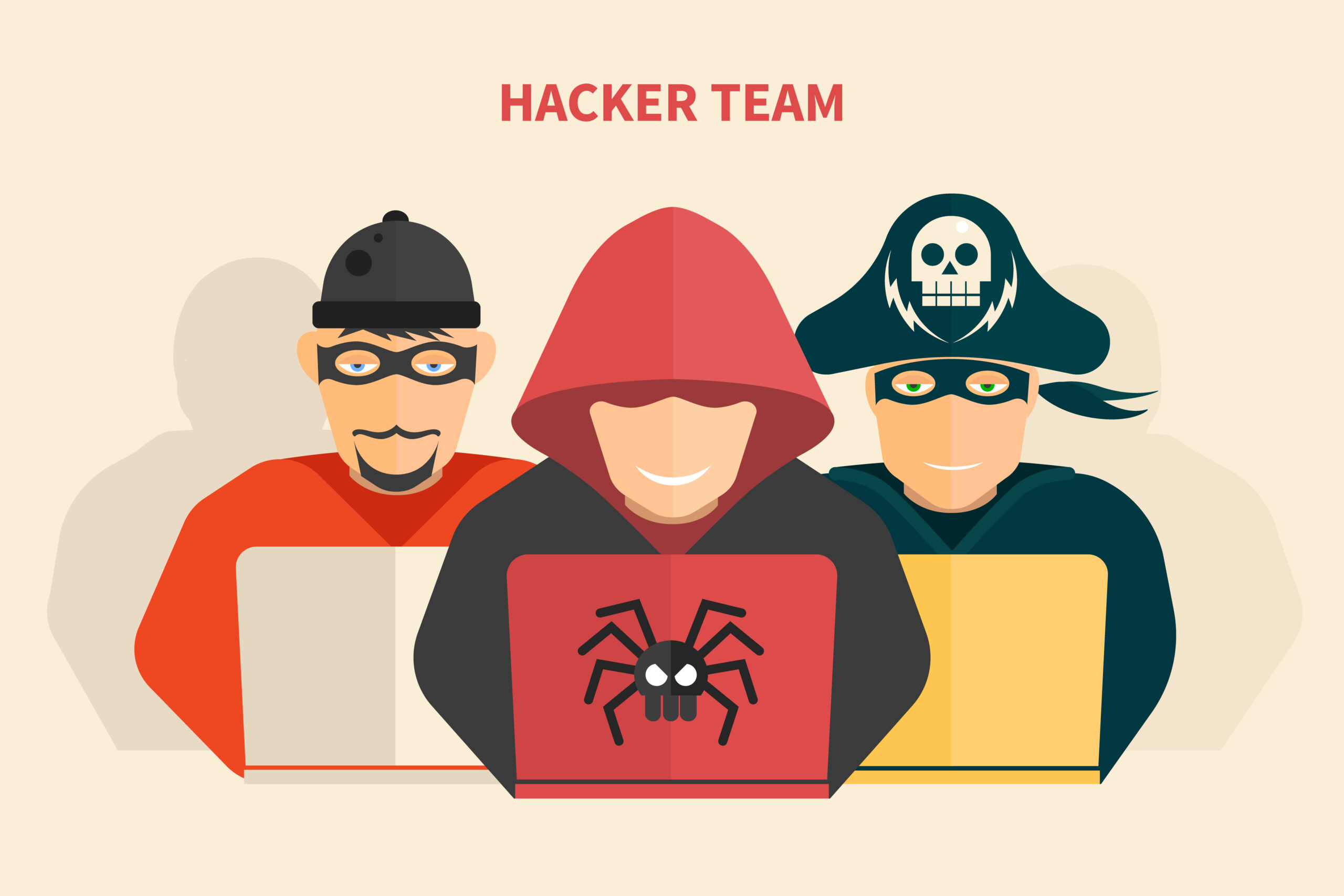
Phishing Attacks
Cybercriminals may trick you or your employees into revealing login information through fake emails or websites.
SQL Injection
Attackers exploit vulnerabilities in your website’s code to access or manipulate your database.
Outdated Software
Using outdated CMS platforms, themes or plugins creates security gaps that hackers can exploit.
Unsecured Forms
Contact forms without proper security can be used to inject malicious code or collect spam submissions.
Essential Website Security Measures for Local Businesses
Protecting your website doesn’t require advanced technical knowledge, but it does require consistency. Here are the most important website security steps every local business should take:

1. Use Secure Website Hosting
Your hosting provider plays a major role in website security. Choose a reputable hosting company that offers:
- Server-level security
- Firewalls
- Malware scanning
- Regular backups
- DDoS protection
- 24/7 monitoring
Cheap hosting often lacks essential security protections, leaving your website vulnerable.

2. Install an SSL Certificate
An SSL certificate encrypts data sent between your website and visitors. You can recognize a secure site by the “https://” and padlock icon in the browser.
Why SSL Certificates Matter:
- Protects customer data
- Builds trust
- Improves SEO rankings
- Prevents browser security warnings
Google considers SSL a ranking factor, making it essential for website security and SEO.
3. Keep Your Website Updated
Outdated software is one of the most common causes of security breaches.
Make sure to regularly update:
- Your CMS (such as WordPress)
- Themes
- Plugins
Updates often include security patches that fix known vulnerabilities.

4. Use Strong Passwords and User Permissions
Weak passwords are an open invitation for hackers.
Best Practices:
- Use long, complex passwords
- Avoid reusing passwords
- Enable two-factor authentication (2FA)
- Limit admin access to trusted users only
Only give users the permissions they absolutely need.

5. Install a Website Security Plugin
Security plugins provide an extra layer of protection by monitoring your website for suspicious activity.
Common features include:
- Malware scanning
- Firewall protection
- Login attempt limits
- File integrity monitoring
- Security alerts
Popular options include Wordfence, Sucuri and iThemes Security.

6. Schedule Regular Website Backups
Backups are your safety net.
If your website is compromised, a recent backup allows you to restore it quickly.
Backup Best Practices:
- Schedule automatic daily backups
- Store backups off-site
- Test backups regularly
- Keep multiple versions
Without backups, recovering from an attack can be devastating.

7. Protect Your Forms and Data Collection
Contact forms are common entry points for spam and attacks.
Secure your forms by:
- Using CAPTCHA or reCAPTCHA
- Encrypting form submissions
- Limiting file uploads
These steps protect both your business and your customers.

8. Monitor Your Website Activity
Monitoring helps you catch issues early before they escalate.
Use monitoring tools to:
- Track login attempts
- Monitor file changes
- Receive alerts for suspicious activity
- Check uptime
Early detection can prevent major damage.
How Website Security Impacts SEO and Digital Marketing
Website security isn’t just about protection — it directly affects your marketing performance.
Google Penalizes Insecure Websites
If your website is compromised, Google may:
- Display security warnings
- Remove your site from search results
- Reduce rankings
User Trust and Conversion Rates
Visitors are less likely to contact or purchase from a website that appears unsafe. Security builds confidence and increases conversions.
Paid Ads and Security
Google Ads and social platforms may suspend ads linking to insecure websites.
A secure website supports your entire digital marketing strategy.
Website Security Best Practices for Ongoing Protection
Website security is not a one-time task — it requires ongoing attention.
Create a Security Checklist
- Weekly updates
- Monthly security scans
- Regular backups
- Review user access
Train Your Team
Educate employees on:
- Phishing emails
- Password security
- Safe browsing habits
Work With a Professional
Managed website services can handle updates, monitoring, backups and security for you — saving time and reducing risk.
Want peace of mind knowing your website is secure and professionally managed?
Driven Digital offers managed website services designed specifically for local businesses — handling updates, monitoring, backups and website security so you can focus on running your business.
Signs Your Website May Have Been Hacked
If you notice any of the following, your website may be compromised:
- Sudden drop in traffic
- Spam pages appearing in Google
- Website redirects
- Browser security warnings
- Unrecognized admin users
- Slower site performance
Act quickly if you suspect a security issue.

Protect Your Local Business With Strong Website Security
Website security is a critical part of protecting your local business online. From safeguarding customer data to preserving your search rankings and reputation, investing in website security pays off in the long run.
By using secure hosting, installing SSL, keeping your site updated, monitoring activity and backing up your data, you can significantly reduce your risk of cyber threats.
If you rely on your website to generate leads and revenue — and most local businesses do — then website security should be a top priority, not an afterthought.
Need help securing your local business website? Contact us today to make sure your website is protected, optimized and built for long-term success.
